How it works · one visit, start to finish
Four seconds at the counter. That's the whole thing.
Nobody downloads anything. Nobody signs up at the till. A customer orders the way they always have, holds their phone up once, and leaves with their visit counted. Here is that visit, beat by beat.
Beat 01 · They order
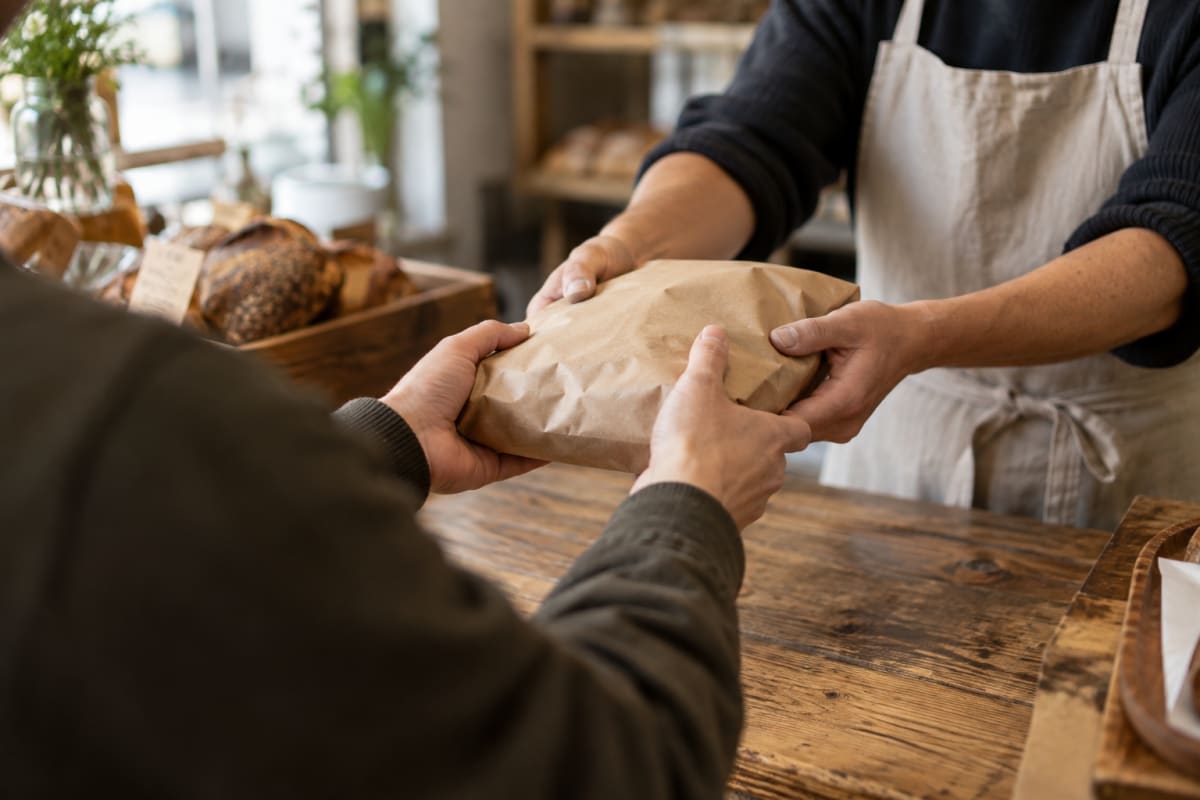
The order happens exactly the way it does today
Same till, same card machine, same conversation. Fidella sits beside your point of sale rather than inside it, so nothing about taking the order changes. No new screen to learn, no extra step in the queue, no reason for the line to slow down.
Your staff carry on. The loyalty part hasn't started yet.
Beat 02 · They scan
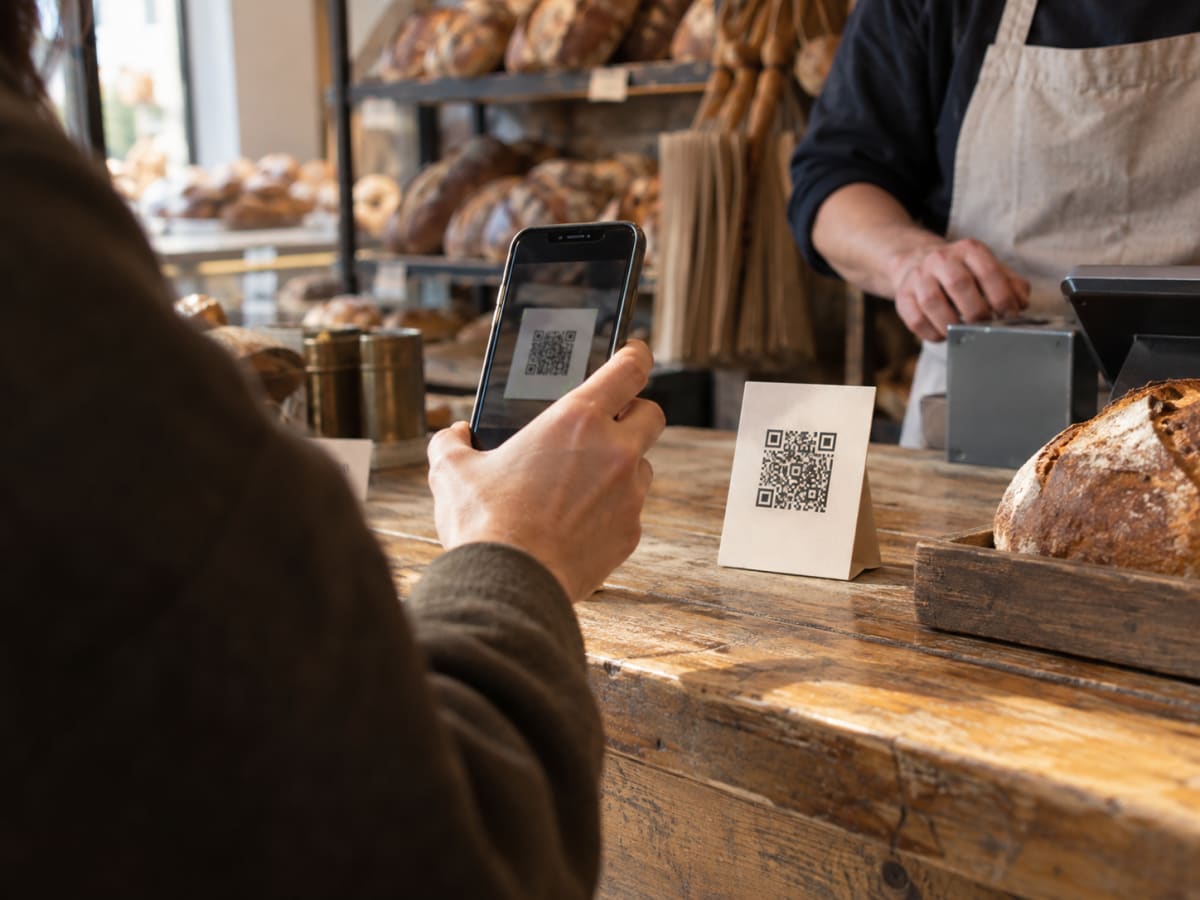
One code on the counter. No app to install.
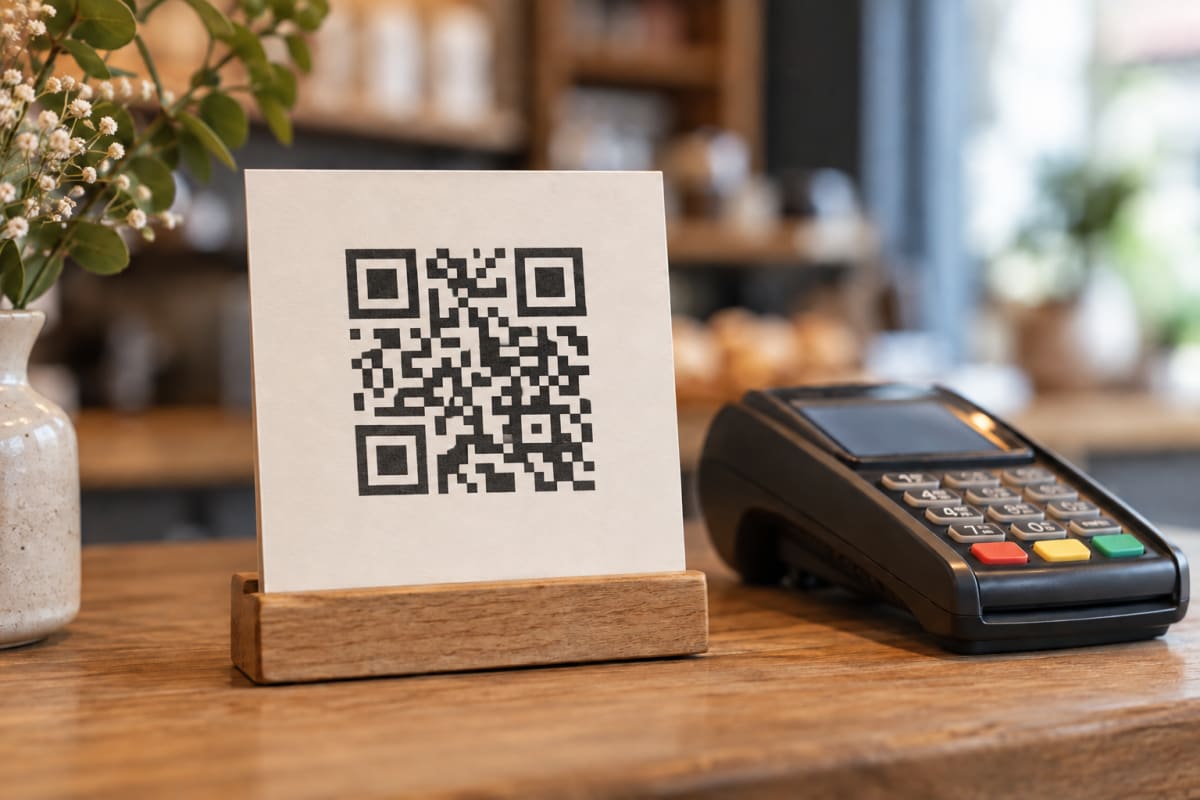
The first time in, they point their camera at the code you've stood up by the till. Fidella opens in their browser, they sign in with Google, Apple or an email address, and they're a member. There's nothing to download.
Regulars skip this step. Their card is already on their phone, waiting for the next visit.
Beat 03 · It lands
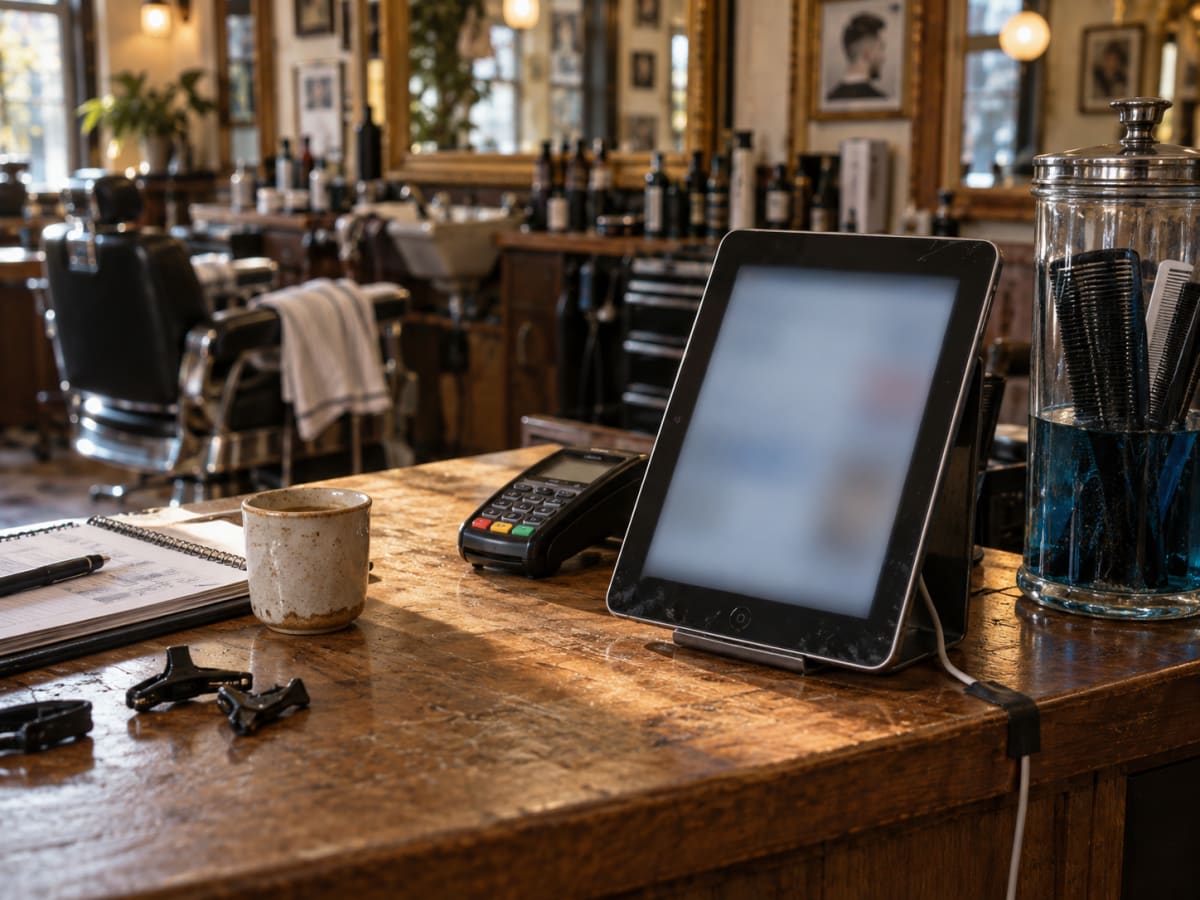
The visit counts, and both sides see it happen
They hold up the code on their card and your staff scan it with the tablet. A stamp lands on their card and the same confirmation shows on your screen. If that visit earned them something, it says so out loud, at the counter, while they're still standing there. That's the moment a regular decides to come back.
Redeeming works the same way round: they show their code, your staff scan it and approve, and it's spent. For some rewards the customer confirms on their own phone first.
Beat 04 · They leave
The card stays in their phone, waiting for next time
No paper to lose in a wash, no wallet full of half-finished cards. Theirs is a link they can pin to their home screen, and it remembers where they got to. Next visit picks up from the same place, at any of your sites.
Meanwhile you get the other half of it: who came back this month, who hasn't been in for a while, and what your regulars are actually worth.
What it asks of you
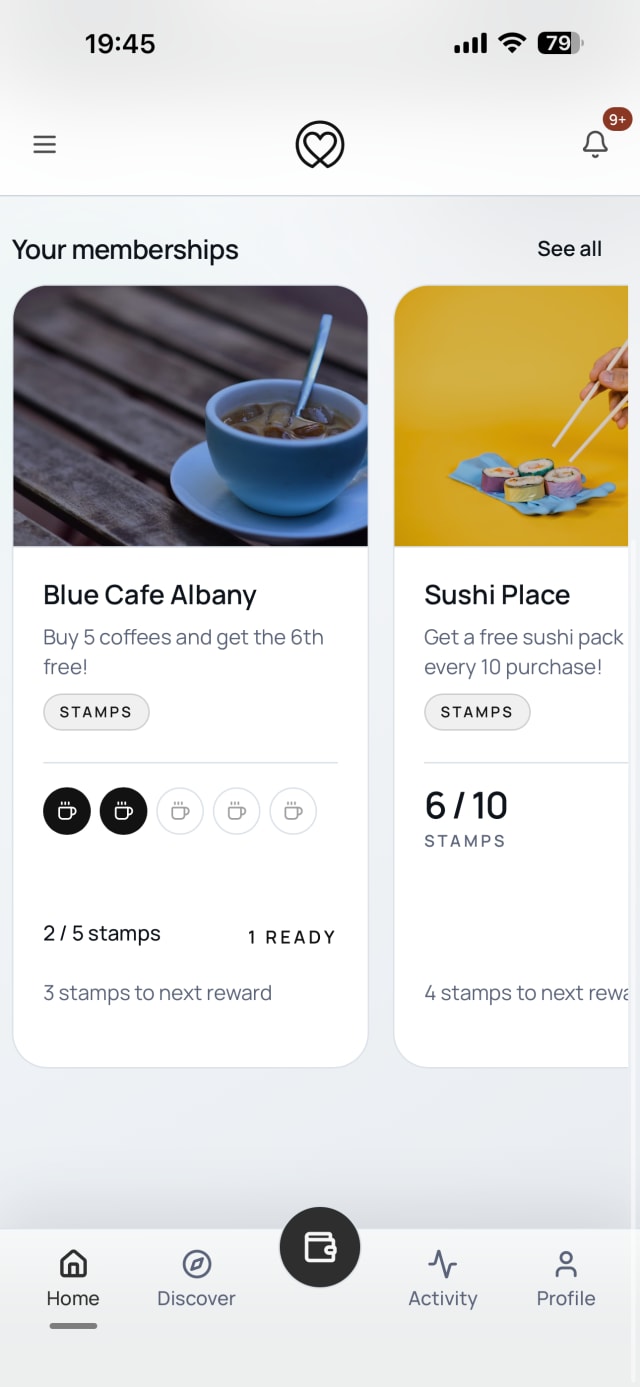
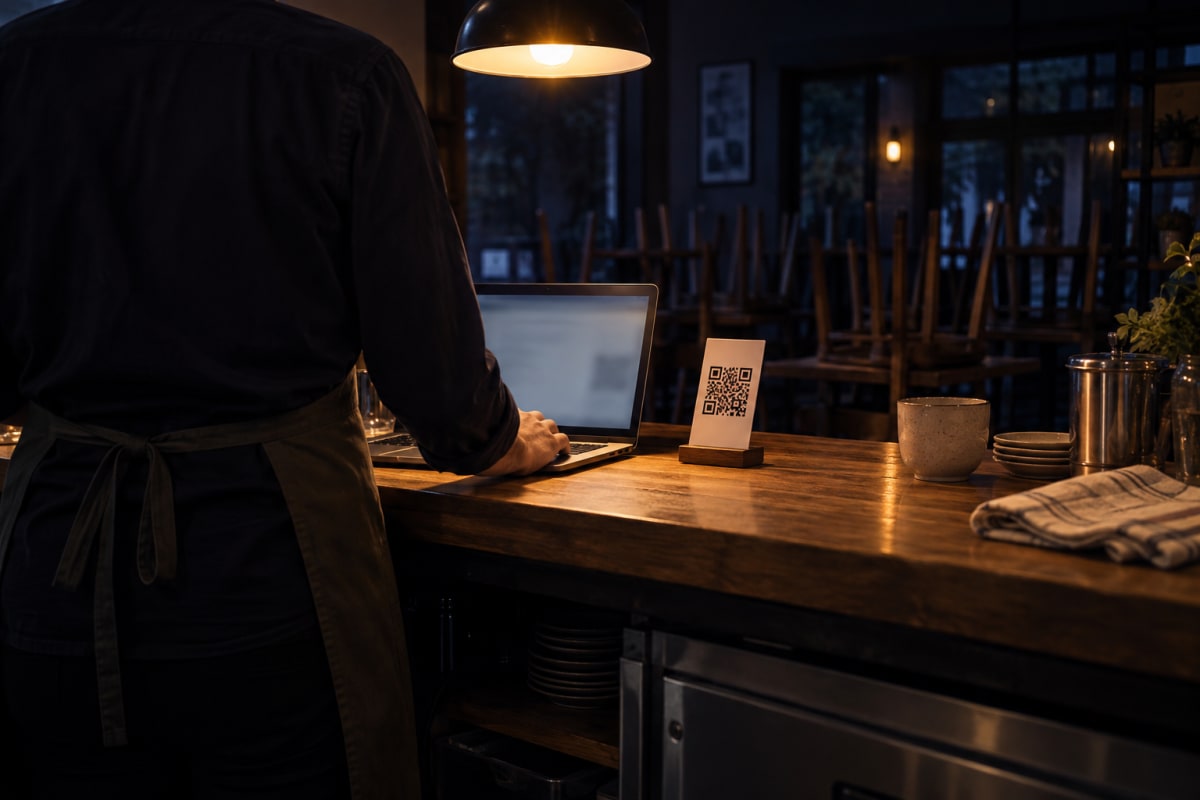
Three things, and we've kept all three deliberately small. The whole point is that the counter runs the way it did before.
Hardware
The tablet you already have
It runs in a browser on whatever's on your counter: an old iPad, an Android tablet, a phone in a stand. We don't sell you a terminal, and there's nothing to wire into your till.
Setup
Under an hour, once
Name your programme, decide what a reward is worth, print the code, stand it by the till. Most owners do it in one sitting after close and are stamping the next morning.
Training
Nothing to teach
Staff sign in once with the email address you invited them on. After that their whole job is to scan the customer's code, glance at the tablet and say the good news out loud.
Stand the code up tomorrow morning
Your first 30 days are free on every new site, and the free tier keeps running after that if you're still under ten regulars a month.